
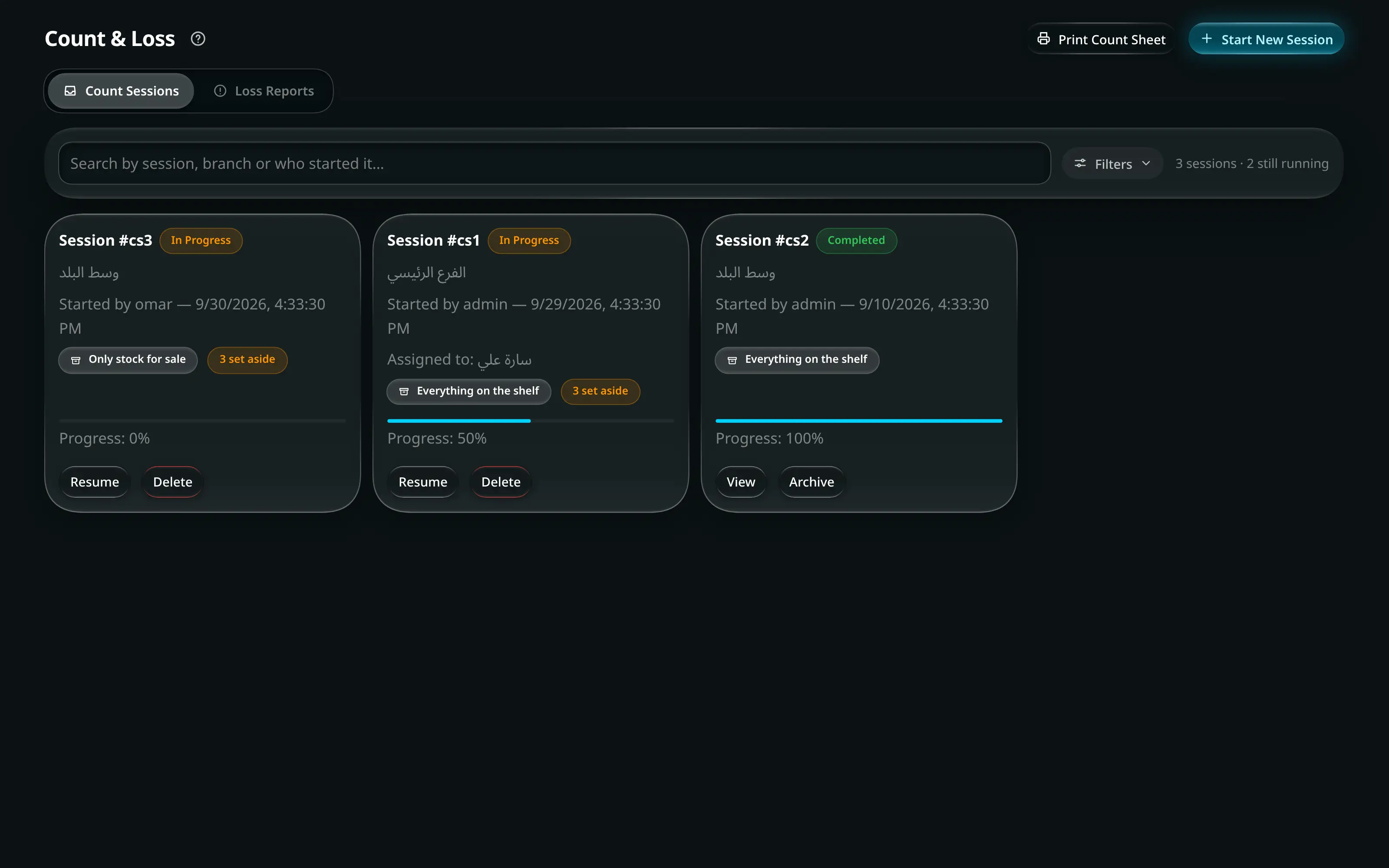
Most shops count stock once a year, on a Friday, with everyone in at 7am and the shutters down. Then the number disagrees with the shelf again by March, and nobody trusts it until next year.
A counted session is the alternative: count one shelf, one category or one supplier’s products at a time, while the shop is open, and let the count catch up with reality continuously.
Start a session
A session is a named, dated count with a scope — a branch, and optionally a category or a location within it. Everything you count goes into that session rather than straight into stock, which is what lets you stop halfway, hand it to someone else, and come back after lunch.
Nothing moves until the session is approved.
Count on a phone
The counting screen is built for a phone held in one hand in an aisle: large touch targets, one item per screen, and the search that finds a variant by name or barcode. Whoever is counting does not need to know the system — they need to find the item and type a number.
The count is blind too
Like the cash count, the person counting does not see the expected figure. The reason is the same: if the expected number is on screen, a tired person types that number, and you have replaced a measurement with a formality.
Reconciling
When the session closes you get a list of differences, each with the item, the expected quantity, the counted quantity and the value of the gap. Approving the session writes the adjustments into stock and records the loss or gain against that session — so it appears in the month’s numbers rather than quietly vanishing.
Before you approve, it is worth checking the four things that explain most first-count differences:
- Stock received but not entered — a delivery that came in during the count.
- A sale taken offline that has not yet reconciled.
- Items counted in the wrong branch or location.
- A bundle or assembled product counted as its parts, or the other way round.
After the first one
The first session in a shop that has never counted properly will find a lot. That is not a failure; it is the size of the gap you have been carrying. What matters is the second session, four weeks later — if that one is close to zero, your process is working.
Set the sessions on a rota: high-value or fast-moving categories monthly, everything else quarterly. A shop that counts a slice every week never needs a shutdown count again.