
Receiving stock looks like one action and is actually two, and choosing the wrong one is the most common reason a shop’s cost of goods comes out wrong.
Supplier, or one-off purchase?
Supplier. You are buying from someone you have an account with. This writes a supply order, marks it received, and moves the supplier’s balance. Use it for anything on terms, anything with an invoice, and anything you might return.
One-off purchase. You bought it retail, or from someone you will never buy from again. This books a cash-registry purchase with a note and does not touch any supplier balance. Use it for the box of bags you grabbed on the way in.
The difference matters because a supplier balance is money you owe. Booking a cash purchase as a supplier receipt tells the system you owe someone 4,000 EGP that you have already paid.
Moving-average cost
Every receipt recomputes the item’s average cost:
new average = (existing stock × existing cost + received qty × received cost) ÷ total stock
That average is what every margin figure in the app is computed against, which is why entering a receipt at the wrong price does not just affect that receipt — it moves the reported profit on everything you sell afterwards until the next receipt corrects it.
If you enter a receipt at the wrong cost, fix it by entering a corrective receipt rather than editing history. The audit trail is worth more than a tidy number.
Where stock actually lives
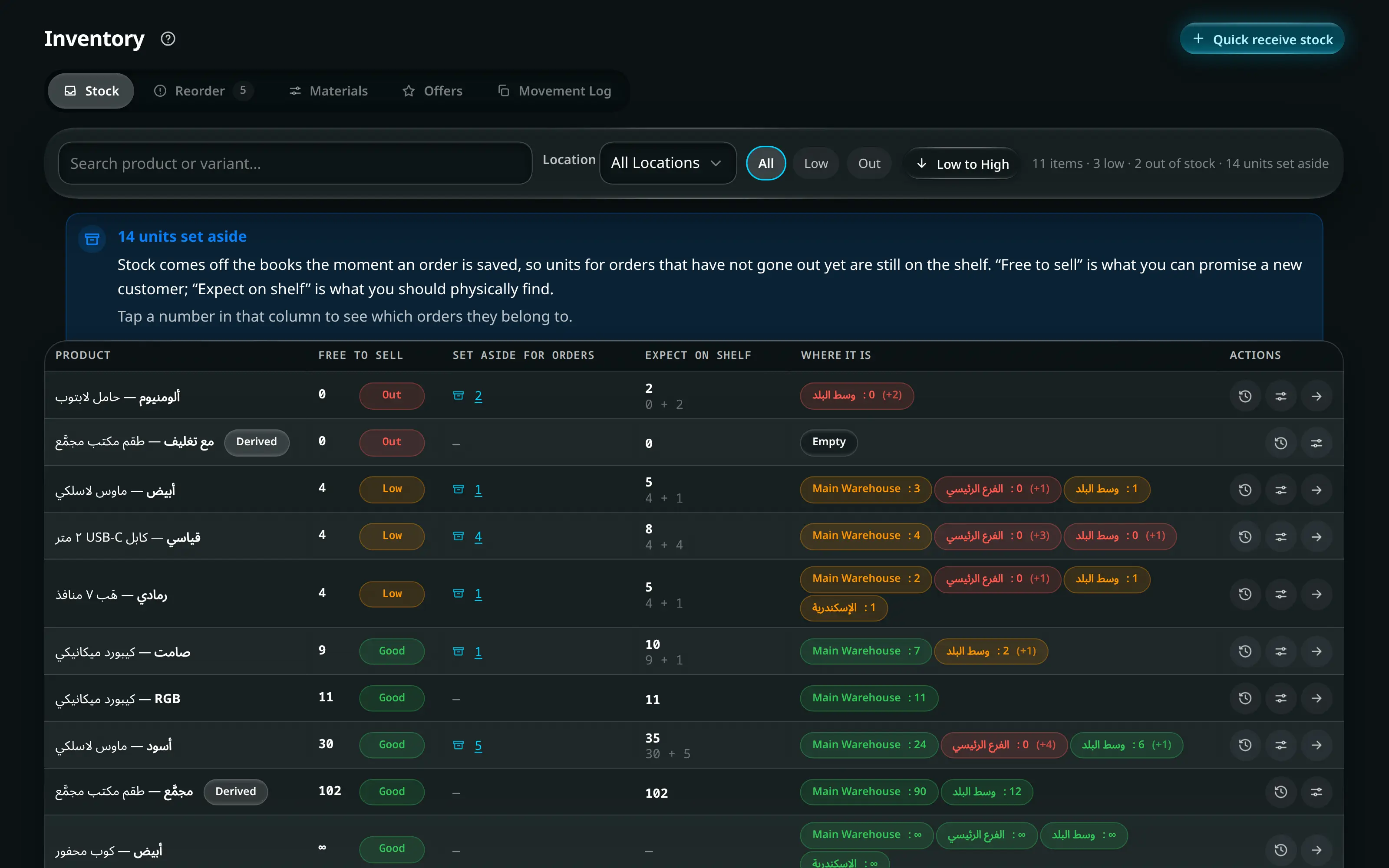
Stock is per location, and the main inventory is a warehouse, not a shop floor. A variant can read zero at the counter while sitting in the warehouse. If something is “out of stock” that you can see on the shelf, check which location you are looking at before you check anything else.
Moving stock between locations is a transfer, not a receipt: it writes a paired decrement and increment so the total does not change.
When the shelf and the screen disagree
Do not adjust the number. Run a count — it records what was expected, what was found, and books the difference as an expense at the snapshot cost. An adjustment leaves no explanation; a count leaves a record of exactly what went missing and when it was noticed.